
What is an autoreplacement?
An autoreplacement is a string of text (like a word or phrase) you set up in the system to automatically replace incorrect variations. It’s a quick and easy way to begin customizing spf.io to your context. There are two types of autoreplacements—captioner autoreplacements and translator autoreplacements. As an example, let’s say the captioner automatically picks up a person’s name as “Kelly,” but it is actually spelled “Kelli”. You can add a captioner autoreplacement to automatically correct this in spf.io.
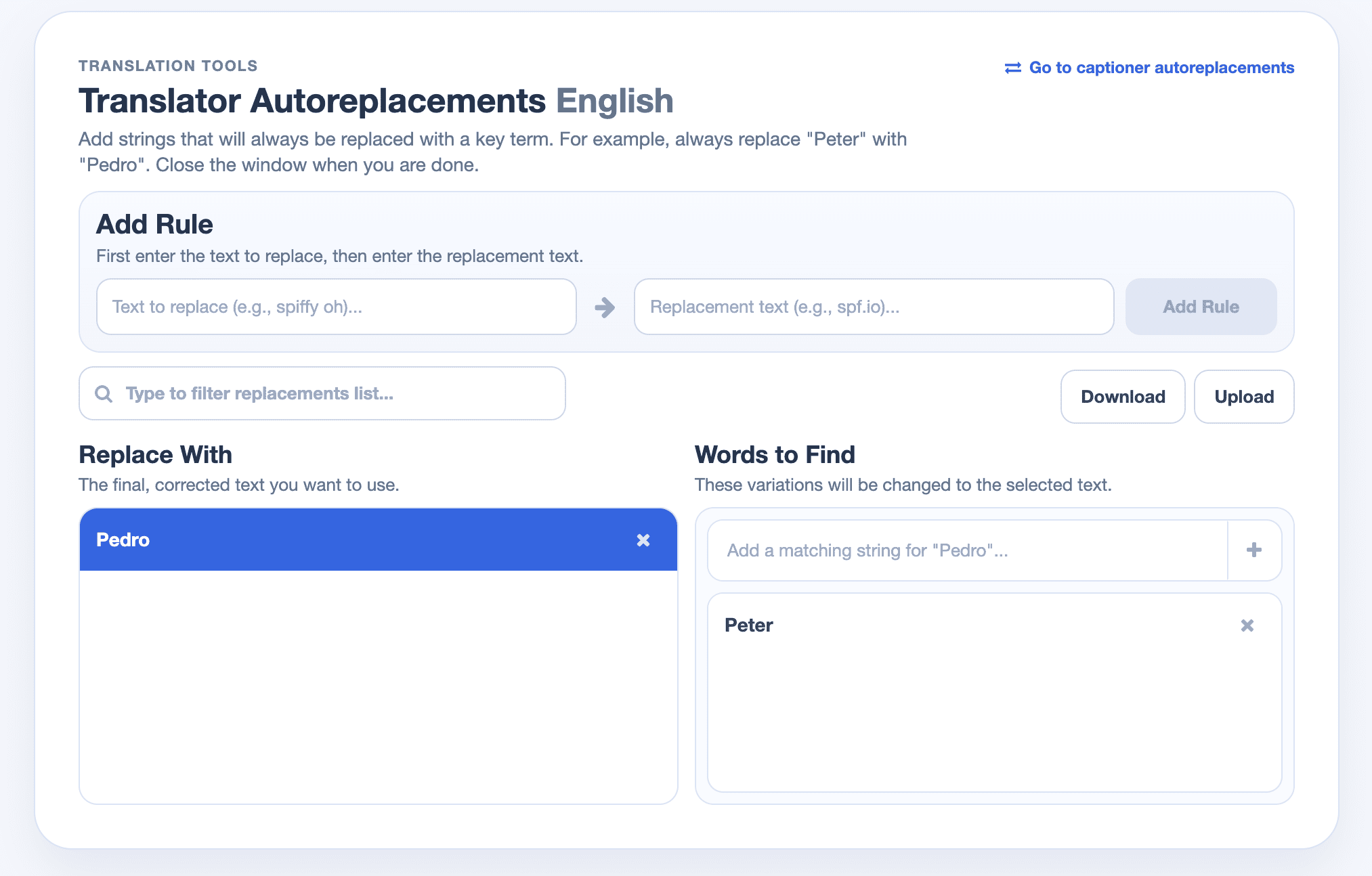
Similarly, let’s say the automatic translation from English to Spanish is taking the name “Peter” and not translating it to “Pedro” as you wish. You can add a translator autoreplacement to automatically correct this in the translation generated in spf.io.
New Feature: You can now apply autoreplacements from within the document editor, which is a more powerful and flexible interface. The steps below still work, but if you wish to use the new feature, you can follow the instructions in this video.
How to set up a captioner autoreplacement
- Go to Settings.
- Under the Assisted Captioning section, click Configure.
- Find your captioner language on the page and click on Autoreplacements next to the language name.
- A new window will open. Under the “Add Rule” section, type in the correct version for the autoreplacement in the left text field.
- In the right text field, type in the incorrect version(s) you want to replace the correct version with, then click the “Add Rule” button next to it or press Enter on your keyboard.

6. You can enable the microphone and speak the word or phrase to see what else the captioner incorrectly picks up, and add them as a match.
How to set up a translator autoreplacement
- Click the Settings dropdown in the menu.
- Click on Translator.
- Find the translation language on the page and click on Autoreplacements next to the language name.
- Follow steps 4 and 5 from the section above.
It’s that simple! If you have any questions, contact us.
The Document Translation Portal now learns from your preferences, suggesting potential rules you can instantly add to your ARDB for consistent terminology across all documents. Read more here.